
Overview
The Disable Bandwidth Suspension option in Webuzo allows administrators to prevent user accounts from being suspended when they exceed their allocated bandwidth limit.
When this option is enabled, user accounts will not be suspended due to exceeding their bandwidth allocation.
Procedure
The Disable Bandwidth Suspension option is available under:
Webuzo Admin Panel → Settings → General → End User Panel Settings
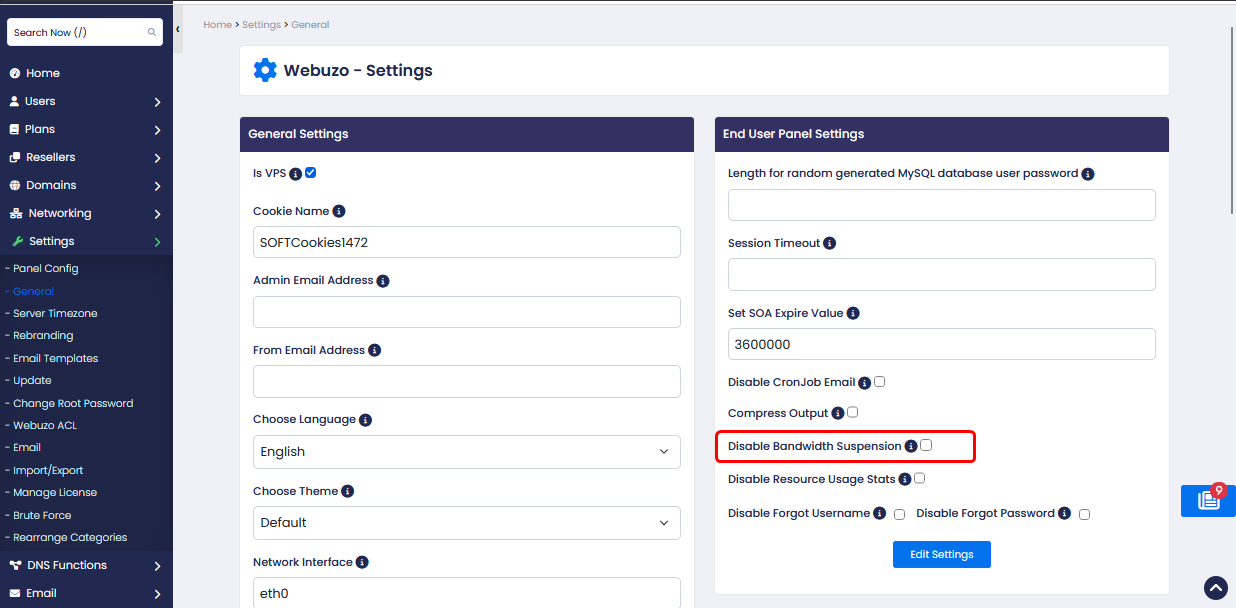
- Select the checkbox to enable the option.
- Click Edit Settings to save the changes
How It Works
Enabled: User accounts will not be suspended when they exceed their allocated bandwidth limit.
Disabled: The normal bandwidth suspension behavior remains in effect, subject to the server's configured policies.