
Overview
This feature helps enforce security policies by ensuring users create strong passwords. You can set a global default value or customize requirements for specific services such as email, FTP, databases, and SSH.
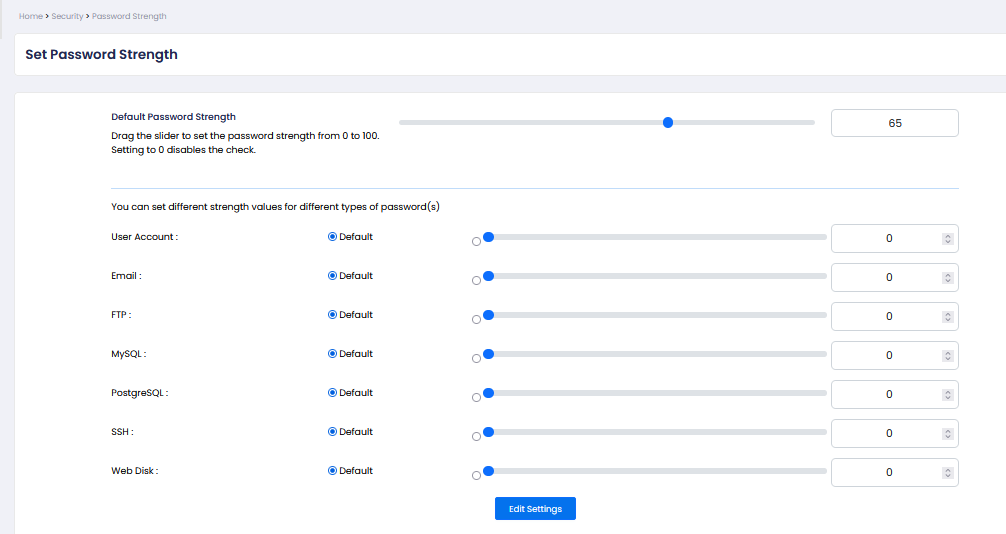
Default Password Strength:
Use the slider to set the default password strength (range: 0–100).
A higher value means stricter password requirements.
Setting the value to 0 disables password strength validation.
Example:
65 = moderate security (recommended baseline)
80+ = strong security (for sensitive systems)
Notes:
Password strength is typically calculated based on:
Length
Use of uppercase/lowercase letters
Numbers
Special characters