Overview
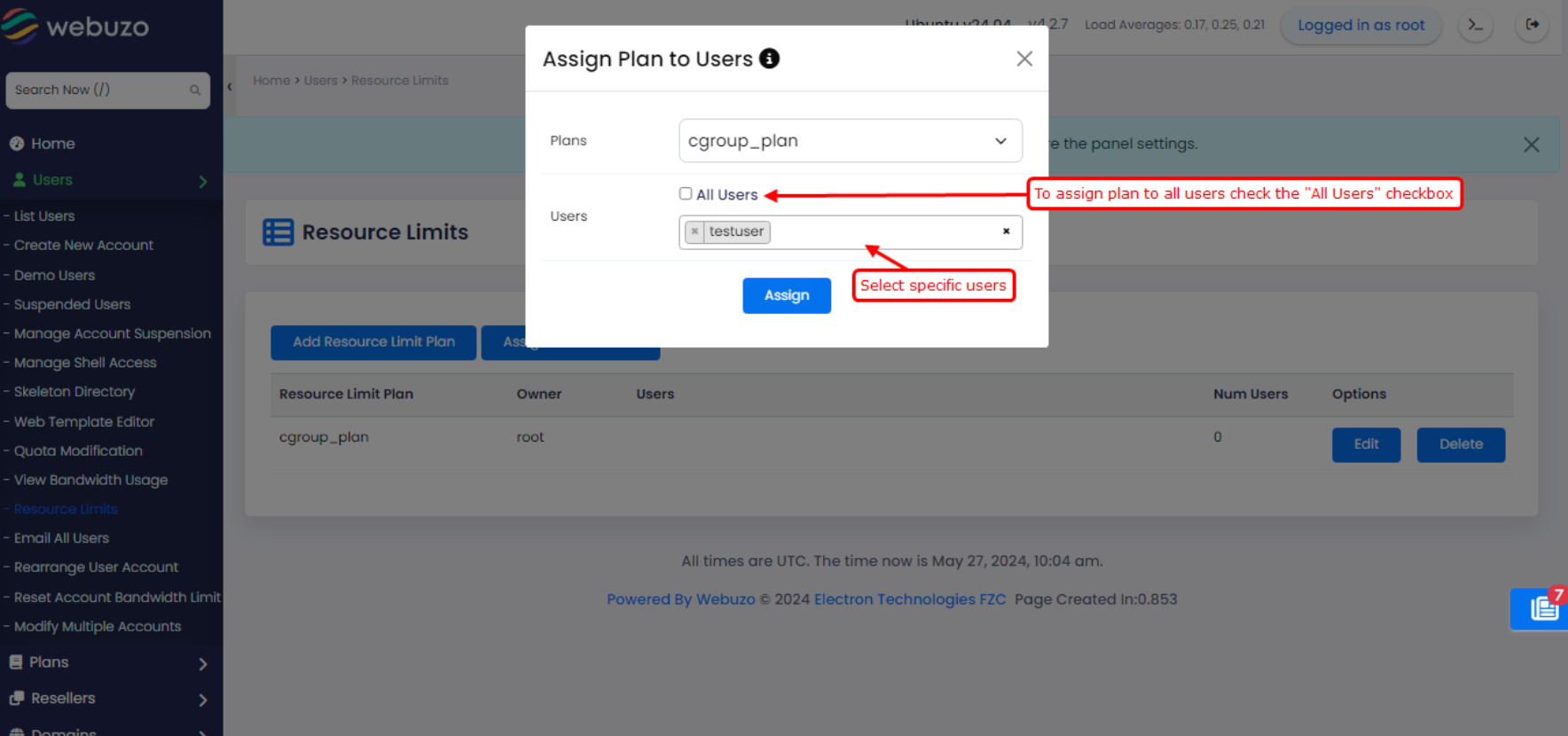
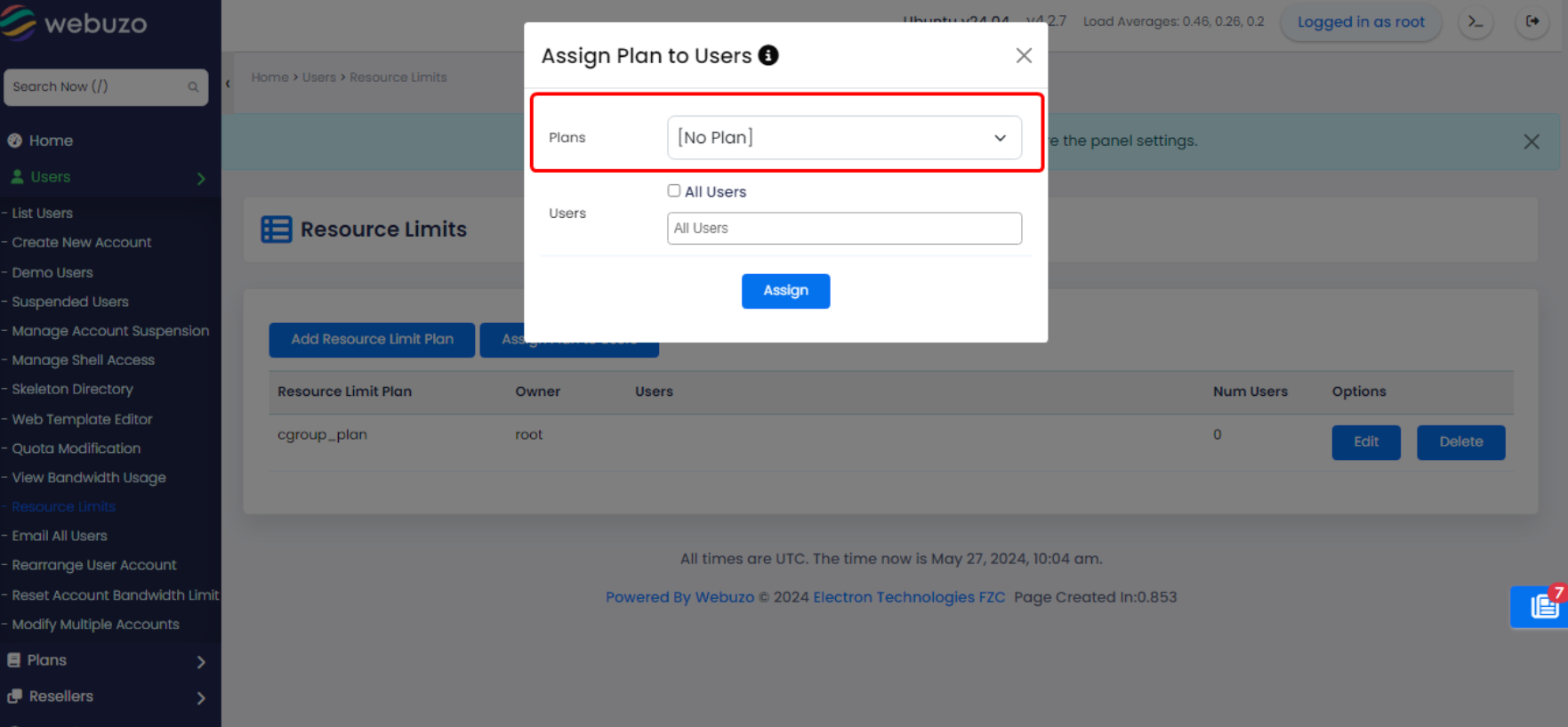
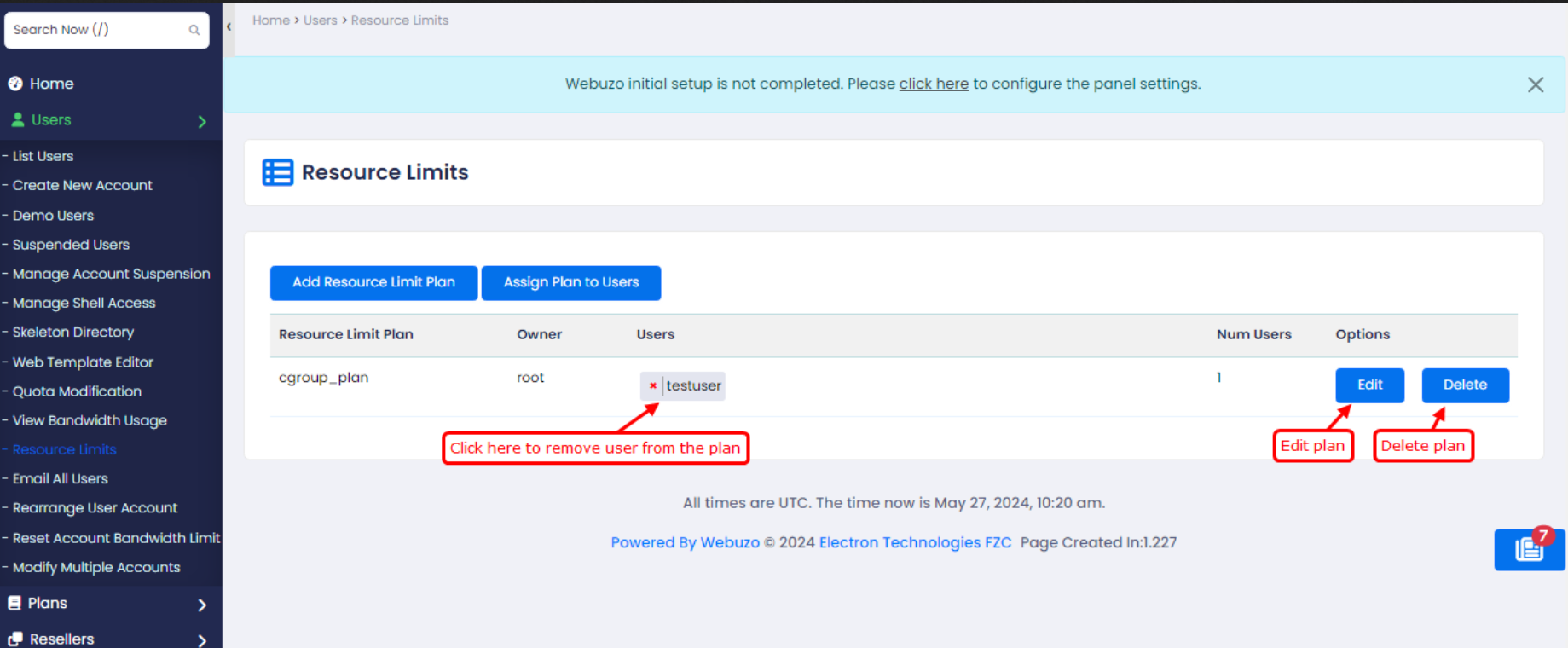
This guide will show you how to add resources plan and assign it to the users.
NOTE: This feature will work only if cGroups v2 is enabled in your Operating System.
You can enable cGroups v2 manually from the terminal too. To do that, check this guide:
https://webuzo.com/docs/how-tos/how-to-enable-cgroups-v2/
Procedure
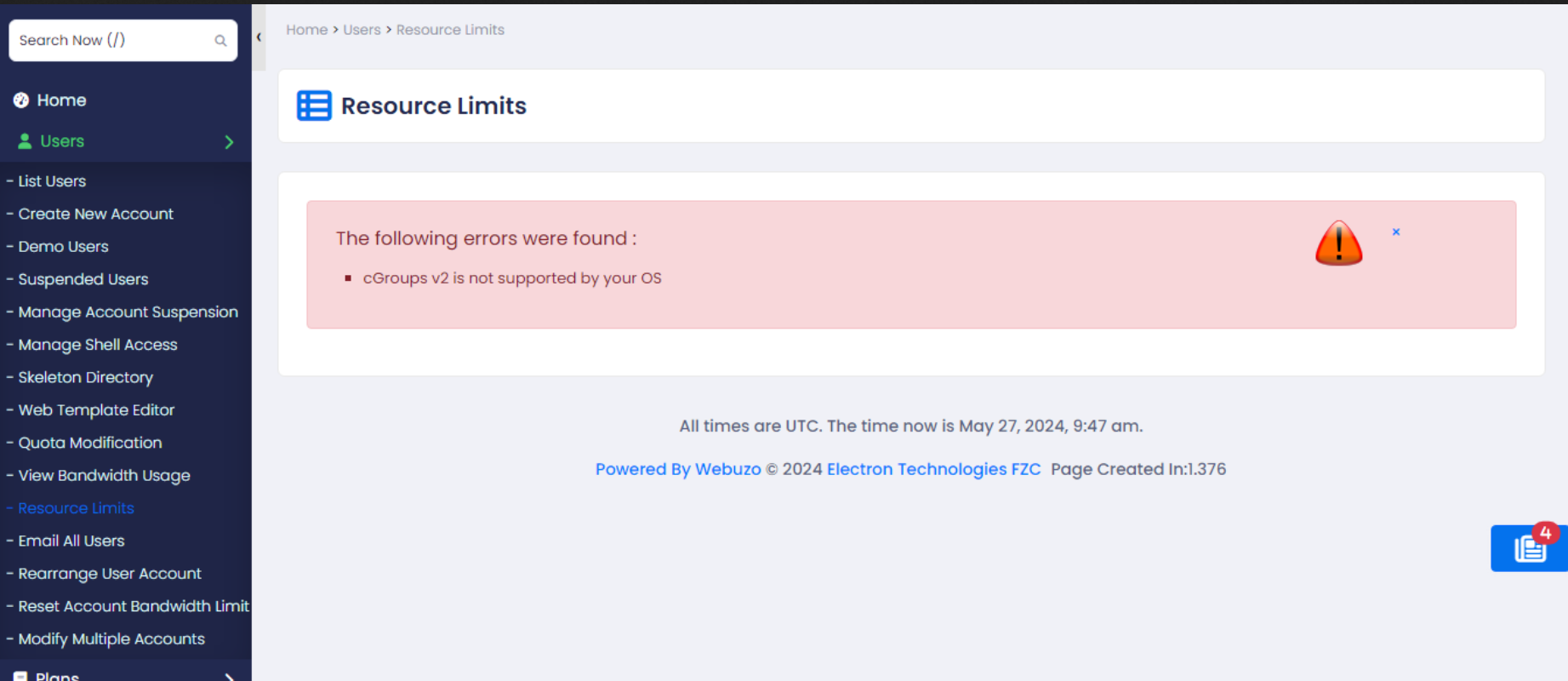
The below error means that your system supports cGroups v2 but it is not enabled. To enable cGroups v2, click the "Enable cGroups v2" button, wait for completion and then reboot the server. The changes will take effect within 5 minutes.
Note: Reboot is required to enable cGroups v2.
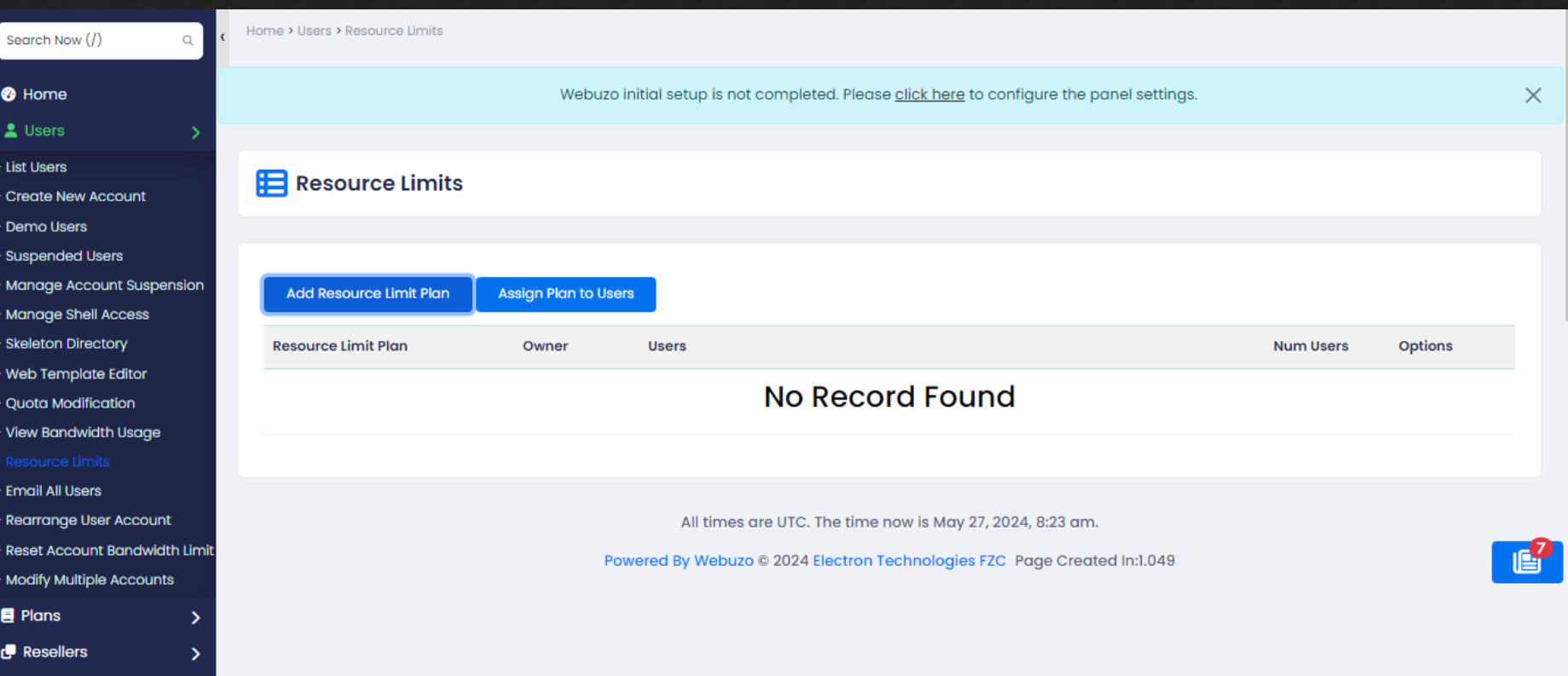
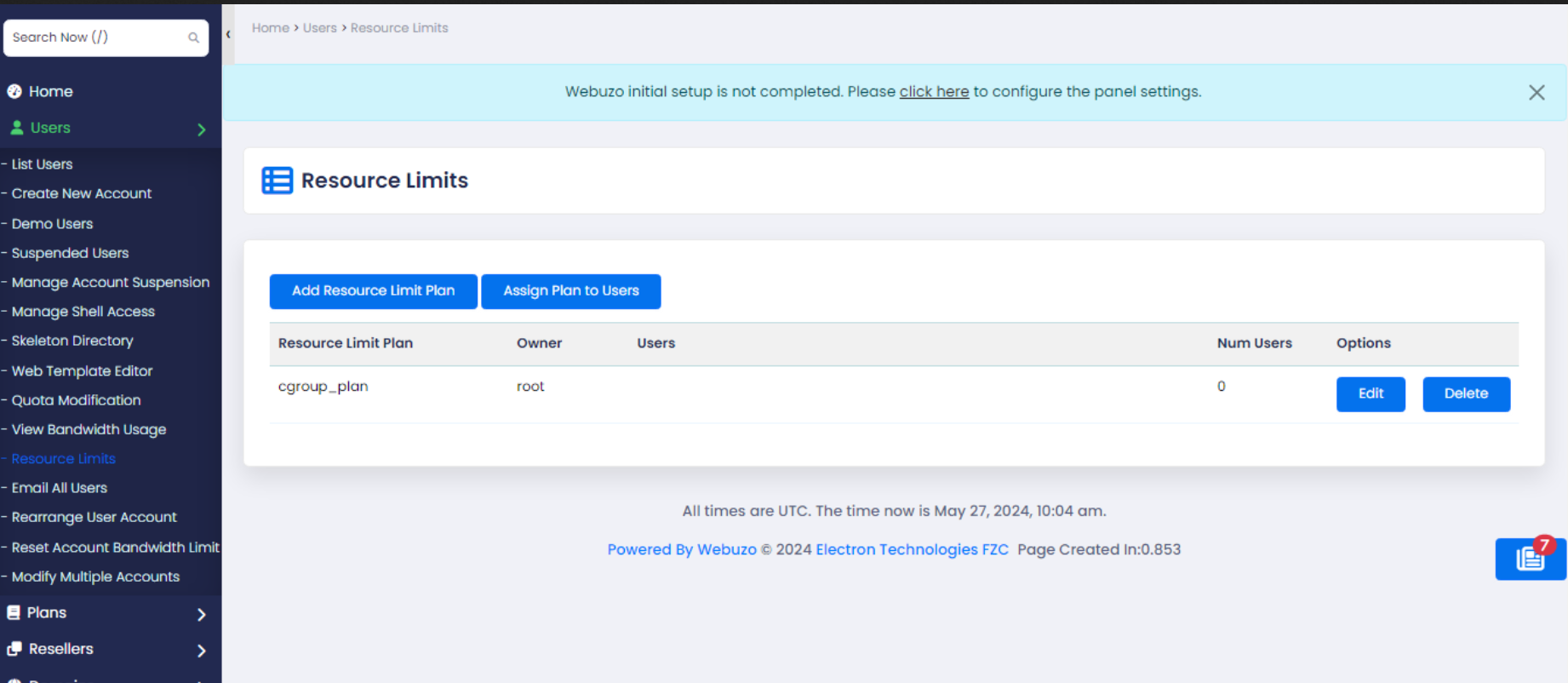
Click on the "Add Resource Limit Plan" button to add the plans.
Resource Limits
CPU Quota : - Percentage of CPU limit. [Value must be greater than 25]
IO Read Bandwidth Max :- Max rate data can be read from a disk. [Example: 256K, 256M, 256G, 256T]
IO Write Bandwidth Max :- Max rate data can be written to a disk. [Example: 256K, 256M, 256G, 256T]
IOPS Read Max :- Max disk read operations per second. [Value must be greater than 256]
IOPS Write Max :- Max disk write operations per second. [Value must be greater than 256]
Memory Max :- Absolute Memory Limit. Triggers Out-Of-Memory Killer. [Example: 128M, 128G, 128T]
Memory High :- Throttle Memory above this Limit. [Example: 128M, 128G, 128T]
Tasks Max :- Max Tasks that may be created in the unit. [Value must be greater than 10]
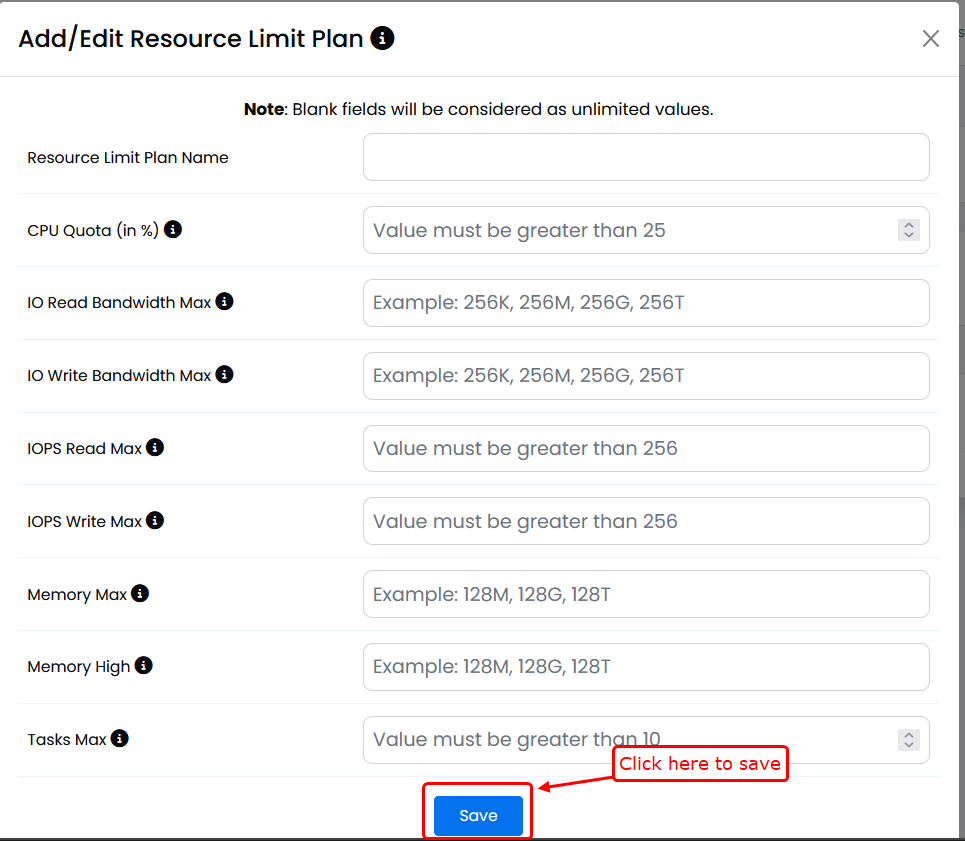
Set the limits and save the plan.