Overview
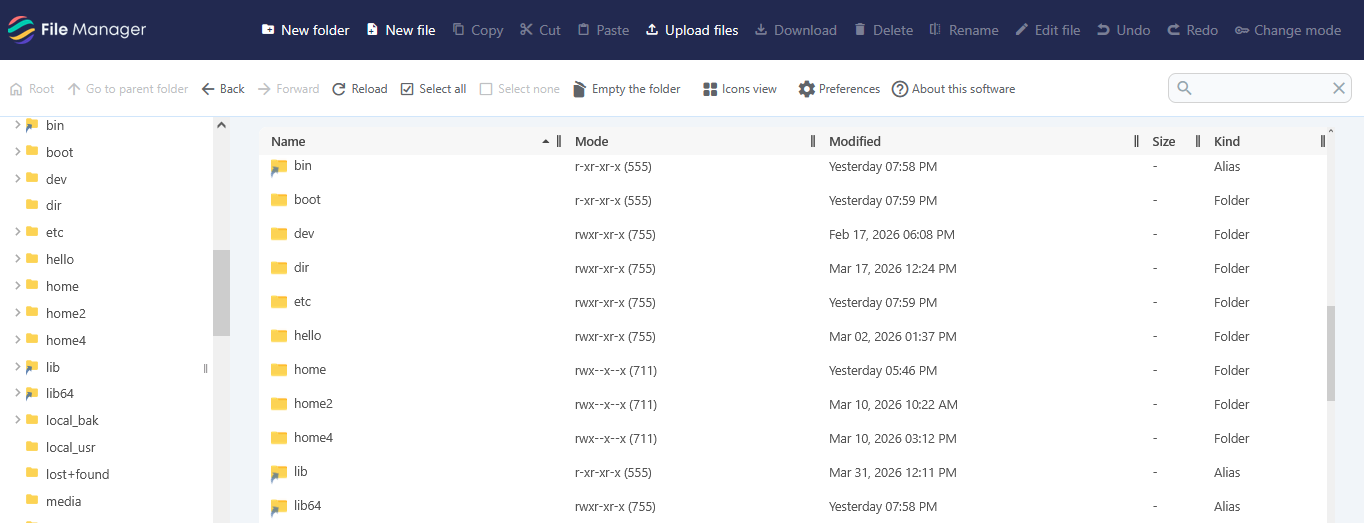
Webuzo File Manager is a tool that allows users to manage server files and folders. It provides essential features such as creating new files and folders, uploading and downloading files, editing content, renaming items, and deleting unwanted data. The interface is designed to help users easily navigate directories, view file details like size and modification date, and organize their data efficiently. It also allows quick editing of files within the system, making it a convenient solution for handling website or server files in one place.
To navigate to the File Manager, go to Home > Storage > File Manager.