Overview
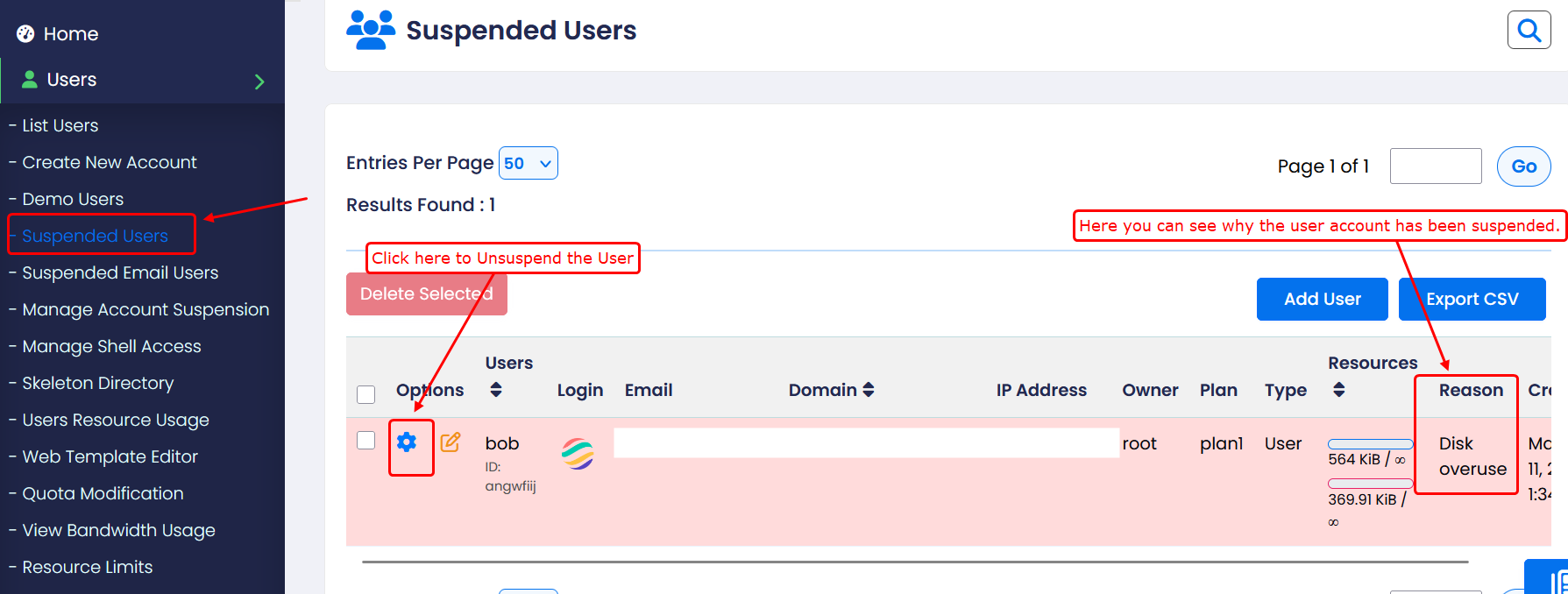
The Suspended Users section displays all user accounts that are currently suspended on the server.
Click on the settings (⚙️) icon next to a user to perform the following actions:
Unsuspend user:- Reactivates the account and restores access to all services.
Suspend Emails:- Disables only the email service for the user. Other services like website and FTP will continue to work.
Delete account:- Permanently deletes the user and all associated data.
Force Password reset:- Forces the user to change their password on the next login for security reasons.
Reset Bandwidth Usage:-
Clears the current bandwidth usage, allowing the user to start fresh usage tracking.
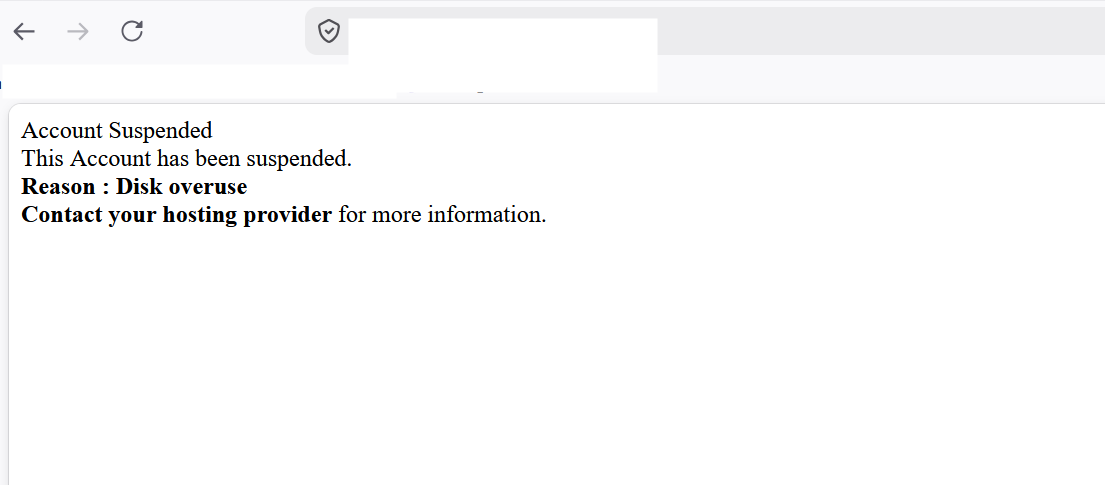
When a user is suspended, their website will display a message such as: