
Overview
Webuzo provides the feature to set or reset the MongoDB admin password directly from the Webuzo panel.
Procedure
This guide will show you how to set or reset the MongoDB admin password from the Webuzo admin panel.
- To set or reset the MongoDB admin password, please navigate to Home > Database Services > MongoDB Password.
Click on the key icon to automatically fetch the password or you can enter the password manually. 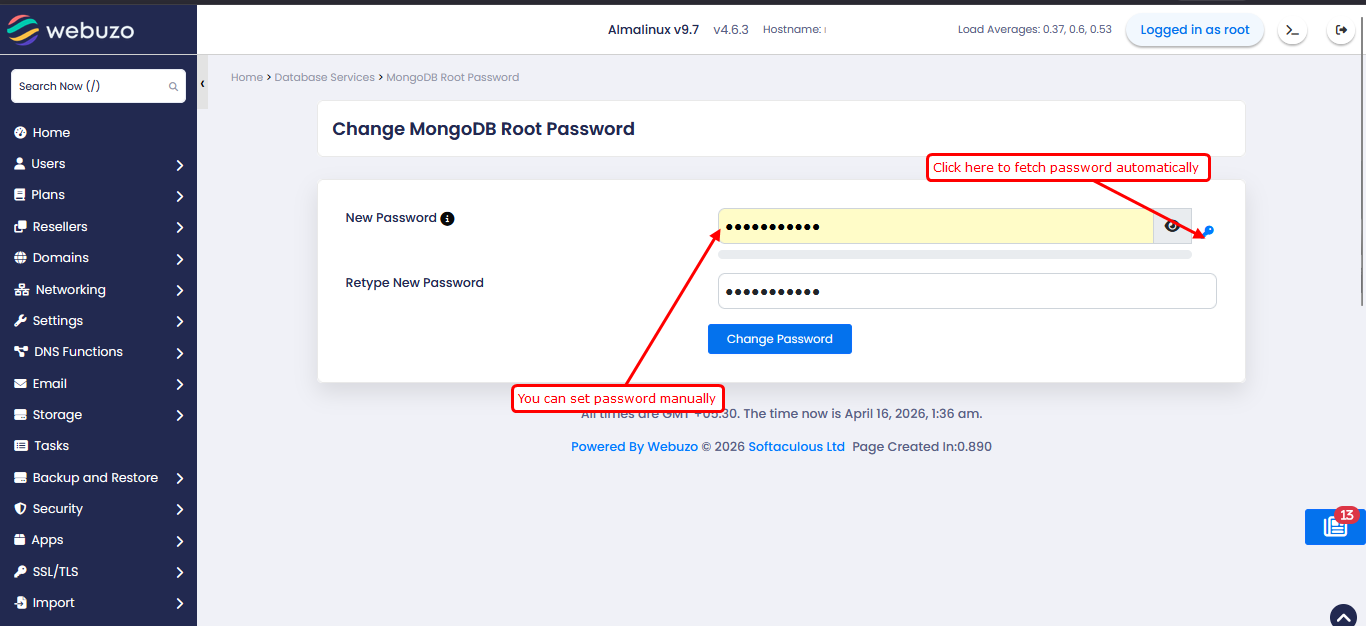
2. After entering the password, please click on the "Change Password" button to set the new password.
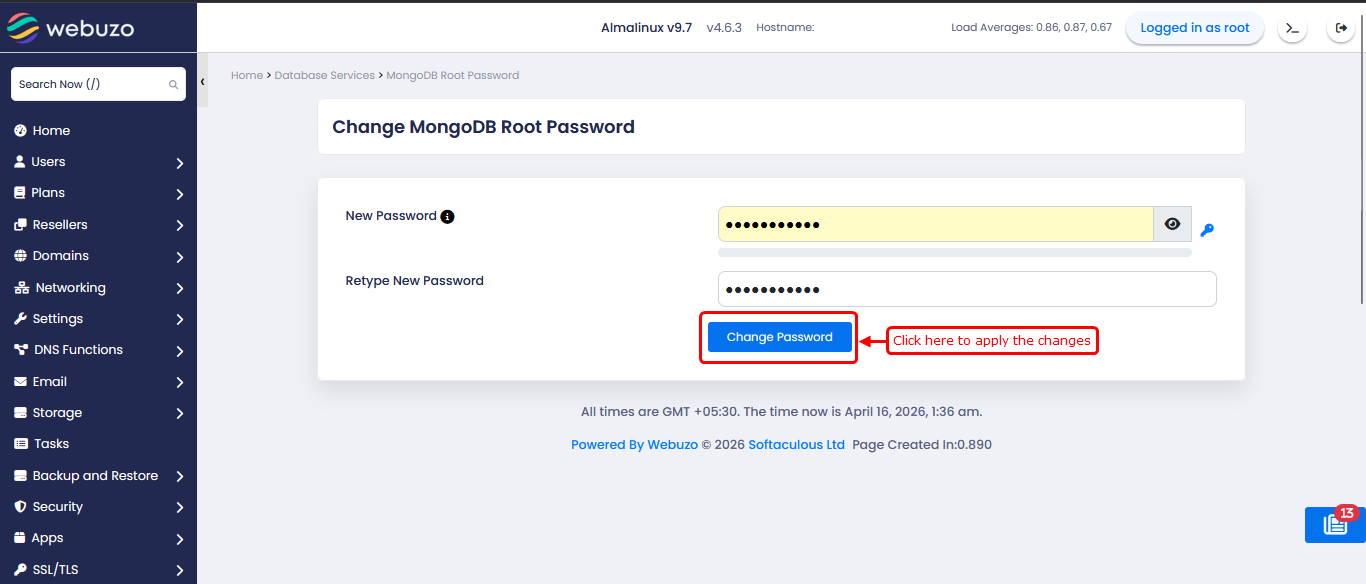
2. After entering the password, please click on the "Change Password" button to set the new password.
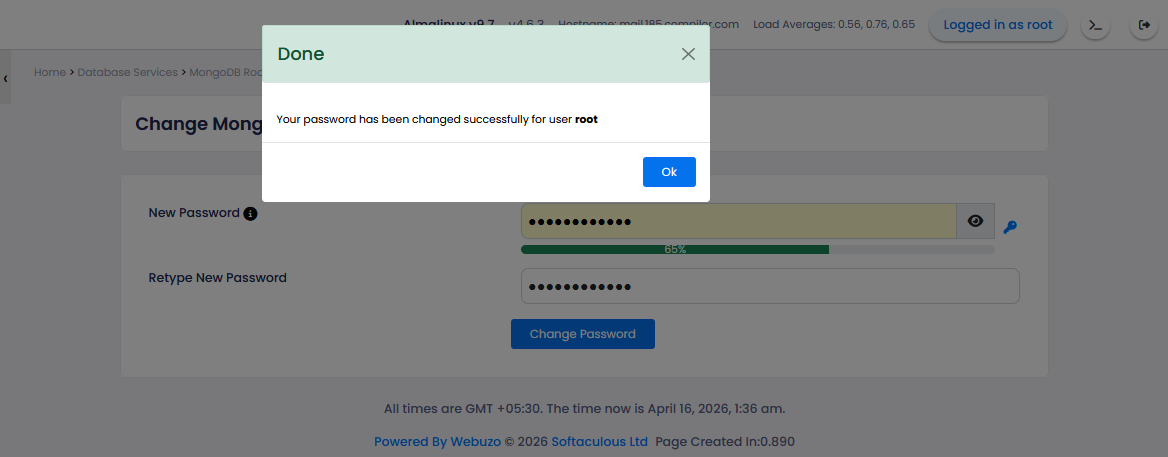
The MongoDB root password has now been set or reset successfully