This guide will show you how to enable Nginx Reverse Proxy with Apache server.
Apache’s power and Nginx’s speed are well known. However, both servers do have drawbacks—apache is hard on server memory, while Nginx (great at static files) needs the help of php-fpm or similar modules for dynamic content. You can configure Nginx as a reverse proxy for Apache. With this, Nginx will serve all the static content while dynamic content will be processed by Apache.
Install Apache server.
To enable Nginx reverse proxy go to Admin panel > Nginx Reverse Proxy.
You can set custom port for apache server.
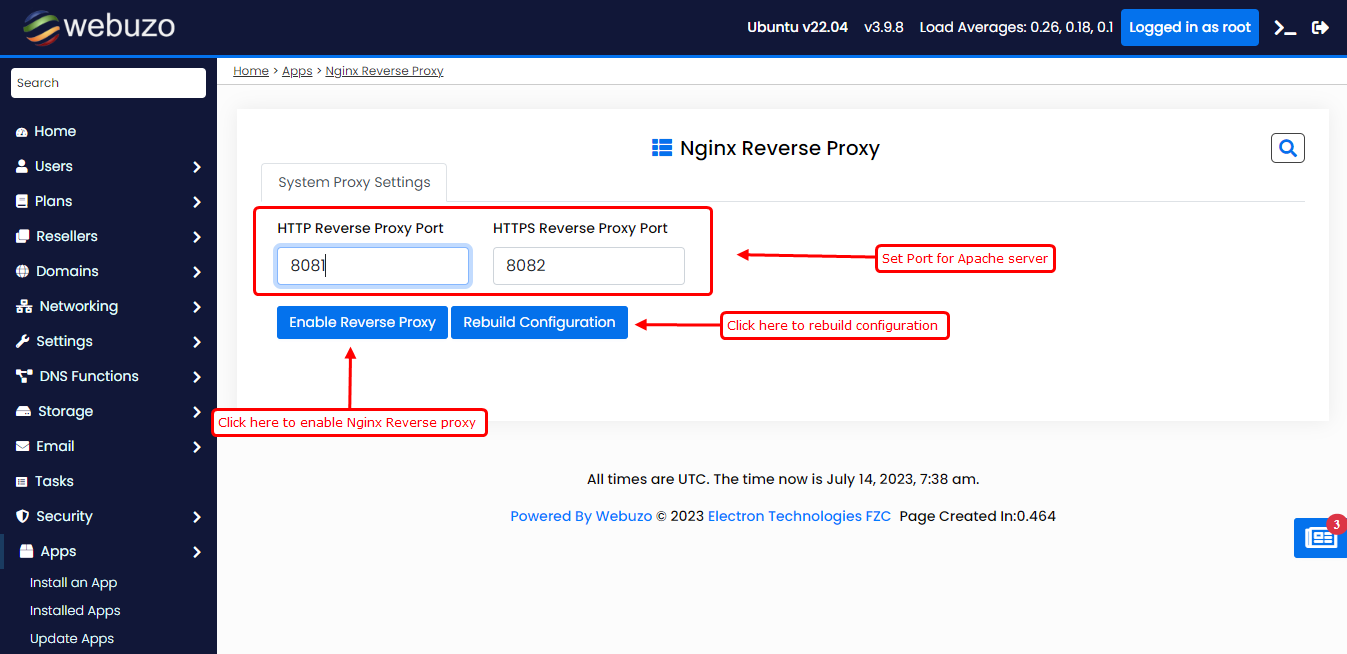
After click Enable Reverse proxy button the following page will appear.
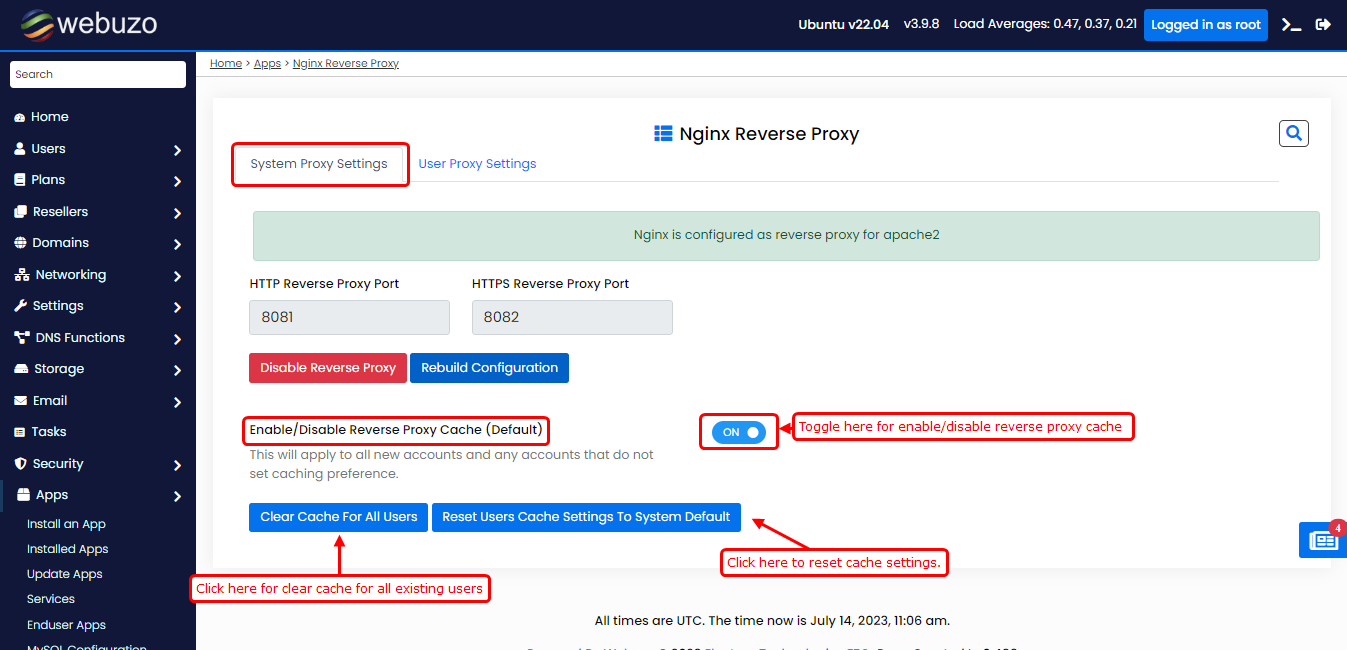
Here you can set reverse proxy cache for users. Also you can clear Nginx cache for all users.
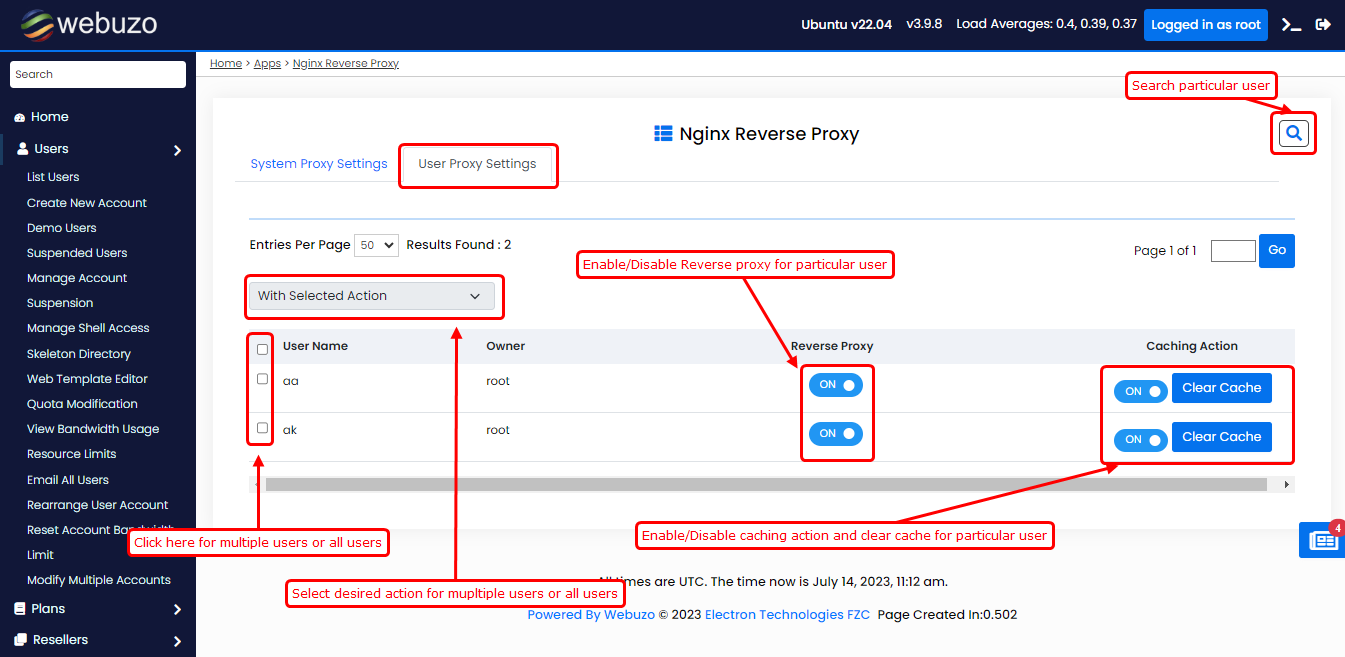
Enable reverse proxy for particular users
If you want enable/disable Nginx reverse proxy and reverse proxy cache for particular user click on User Proxy Settings
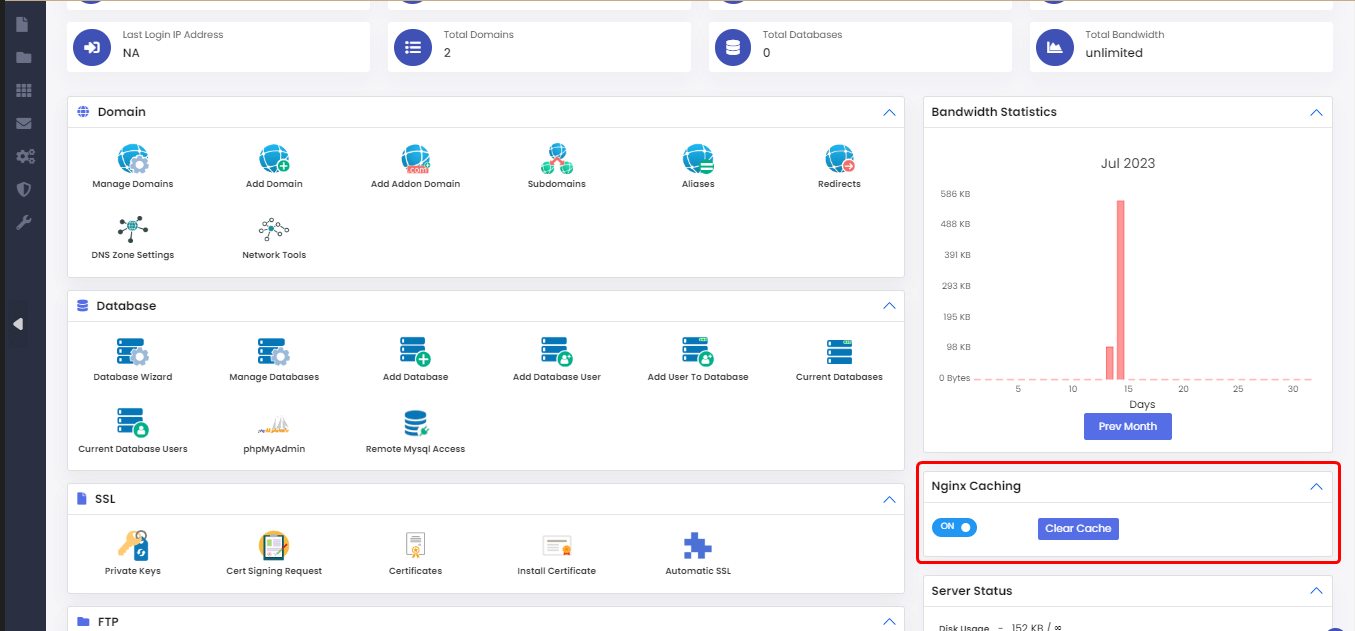
You can also enable/disable Nginx cache and clear cache from enduser home panel.
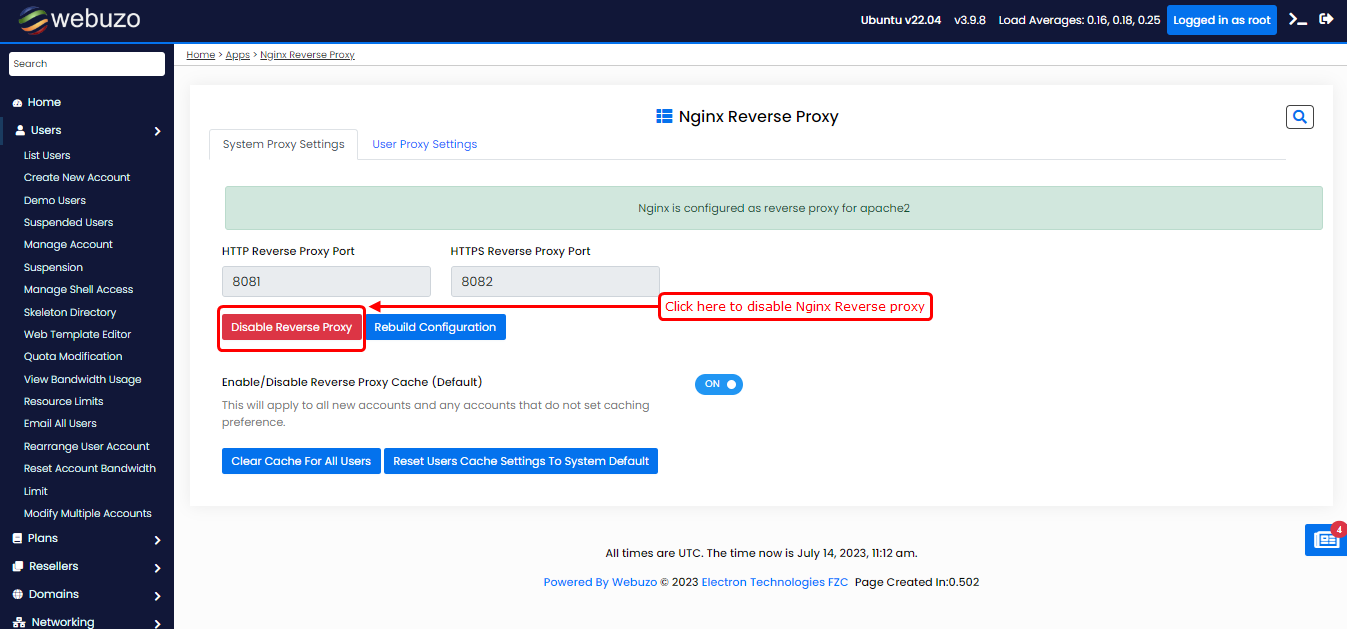
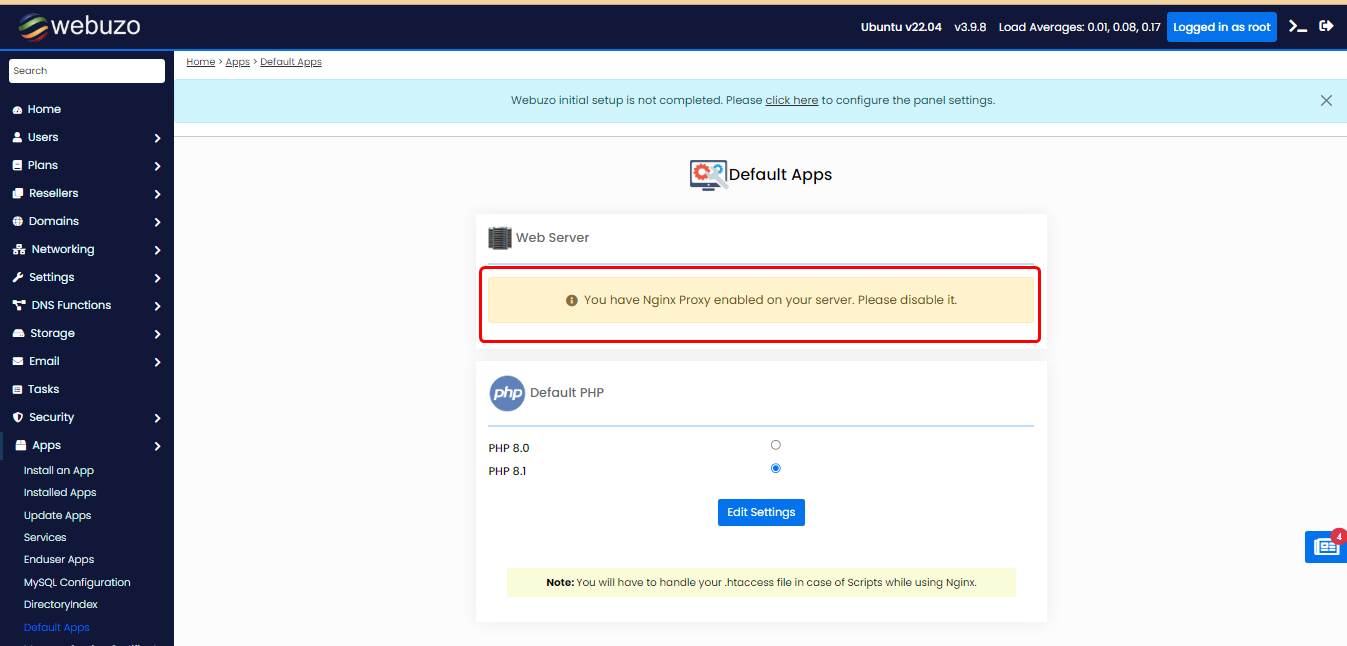
Once you enable Nginx Reverse proxy you cannot change webserver until it is disable.
You can disable the nginx reverse proxy by clicking on "Disable Reverse Proxy" button.