Overview
This guide explains how to set up an MX record in the Webuzo Admin Panel. MX records control how your domain’s emails are routed, allowing you to direct them to your server or external services like Google Workspace or Microsoft 365.
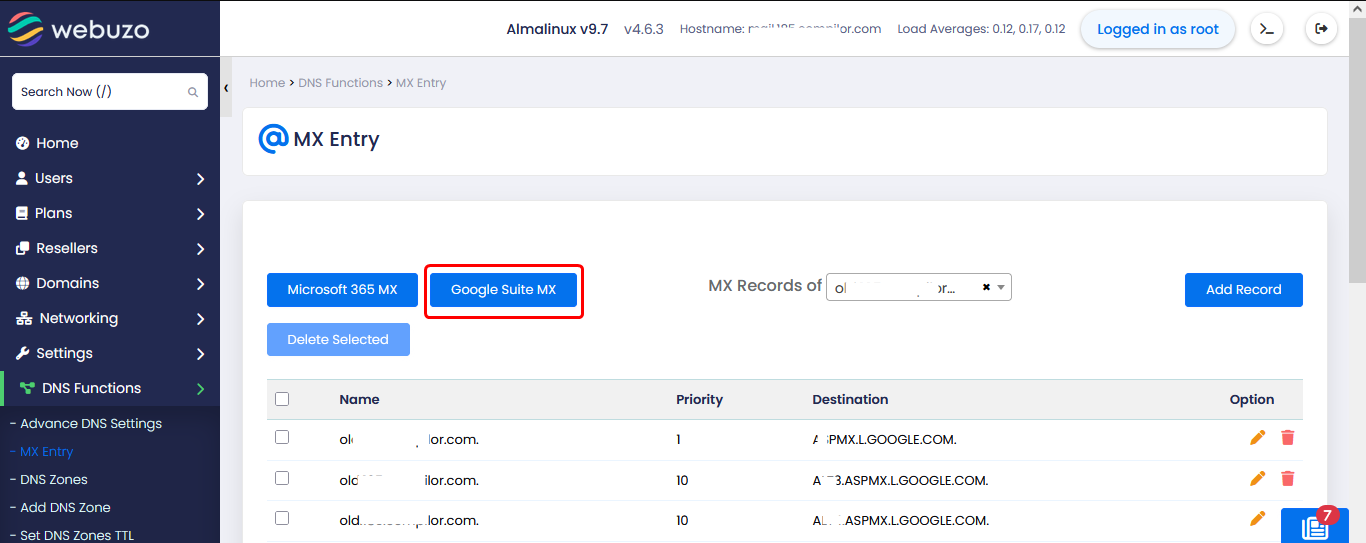
To Add MX entry navigate to Home > DNS Functions > MX Entry
Click the Add Record button.
Priority: Enter the priority value (e.g., 0, 10, 20). Lower numbers indicate higher priority.
Destination: Enter the hostname of the mail server (e.g., mail.yourdomain.com)
Click Save or Add to commit the changes.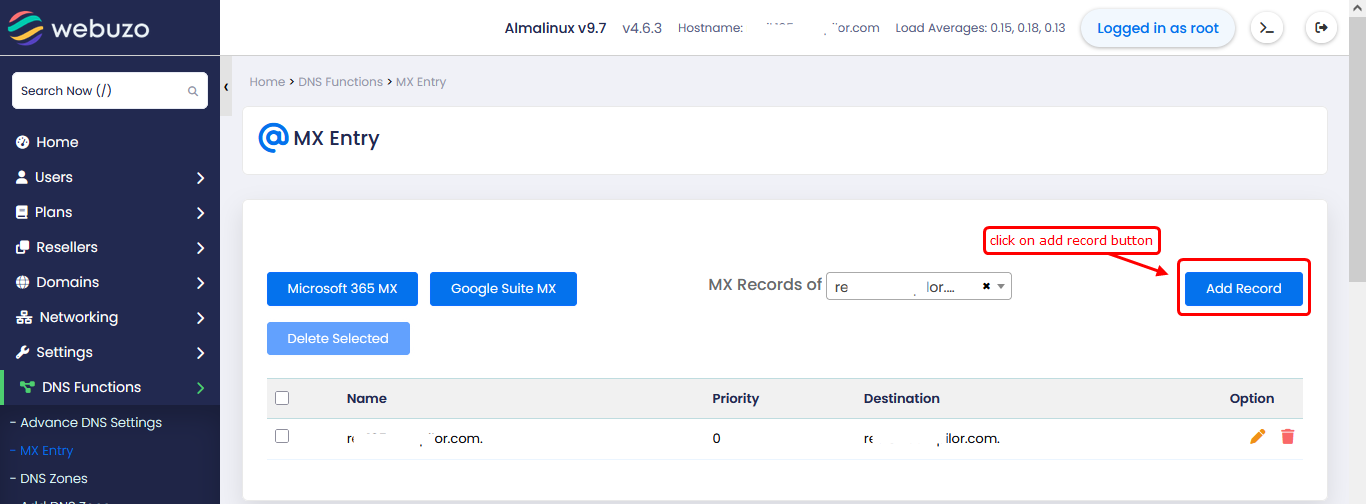
Predefined MX Options:
Microsoft 365 MX
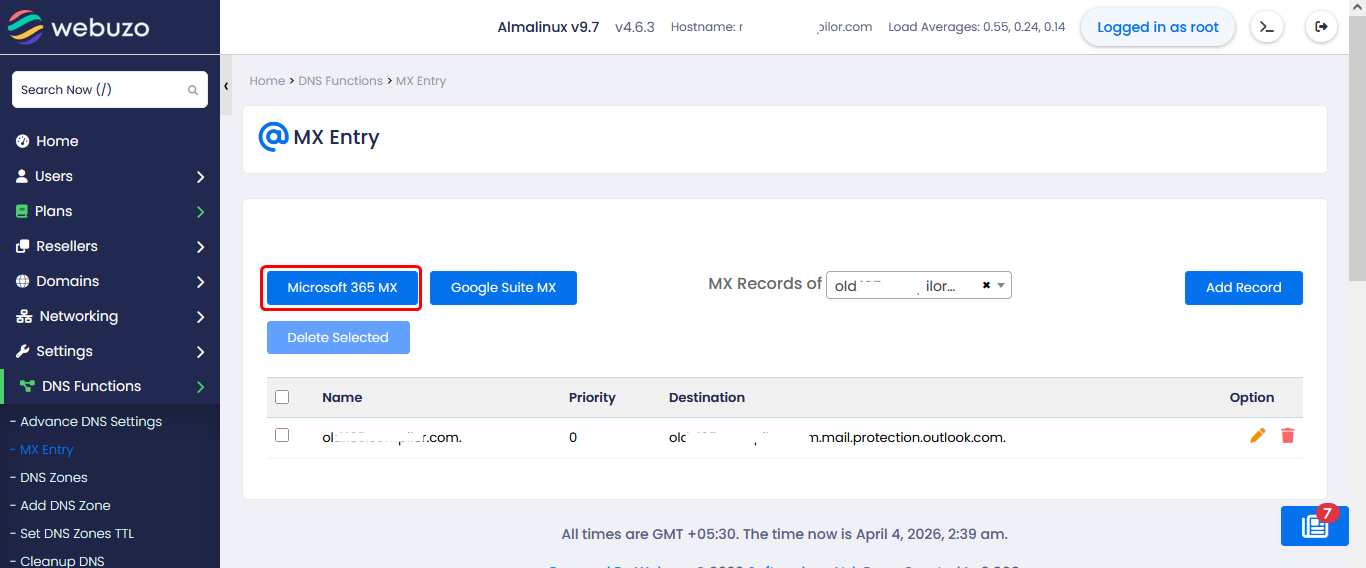
Click Microsoft 365 MX to automatically configure default MX records for Microsoft 365. This sets up email routing to Microsoft’s mail servers.
Google Workspace (Google Suite) MX
Click Google Suite MX to apply Google’s default MX records. This routes your domain emails to Google Workspace servers.