Overview
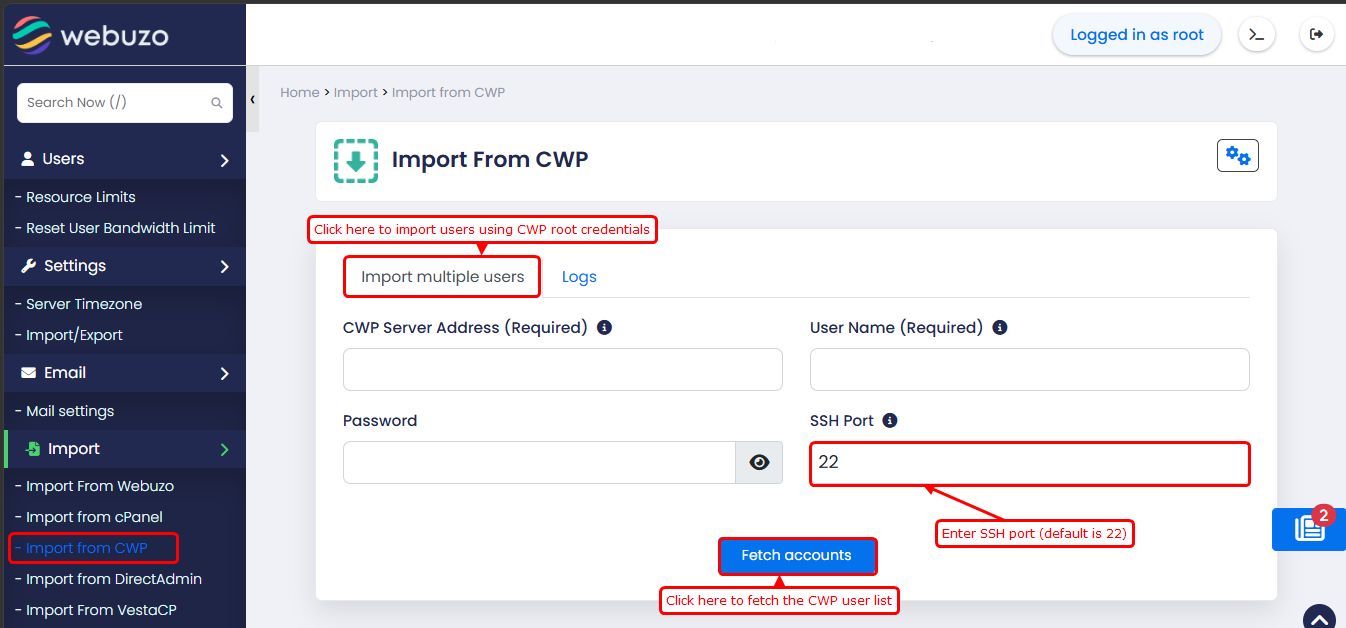
This guide will show you how to import Users from CWP
Import settings
Max background processes
You can set the maximum number of users to be imported simultaneously in the background.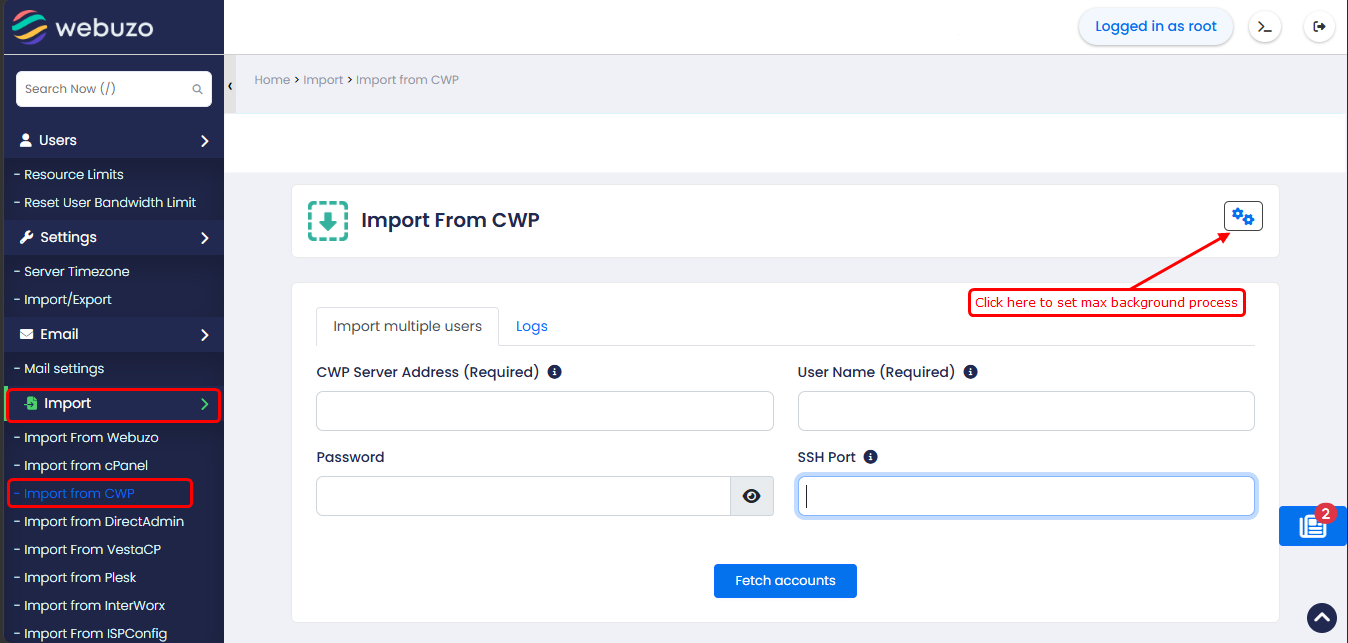
After clicking the icon, you will get a pop-up like this.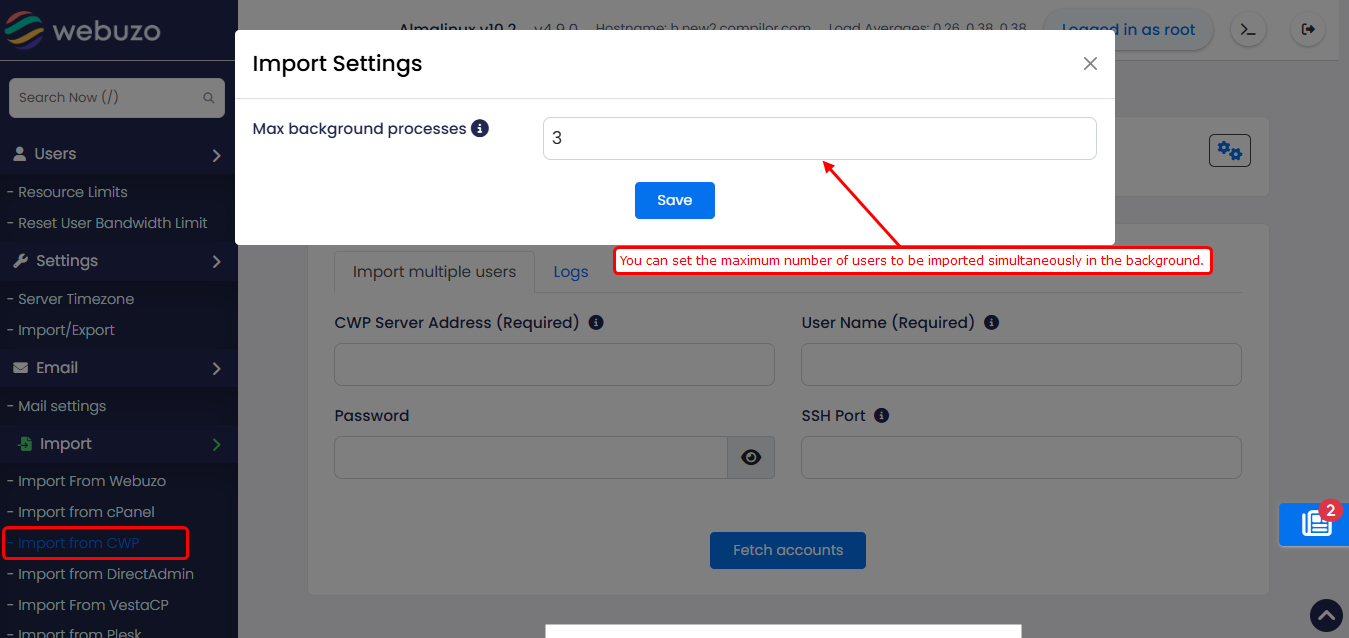
Logs
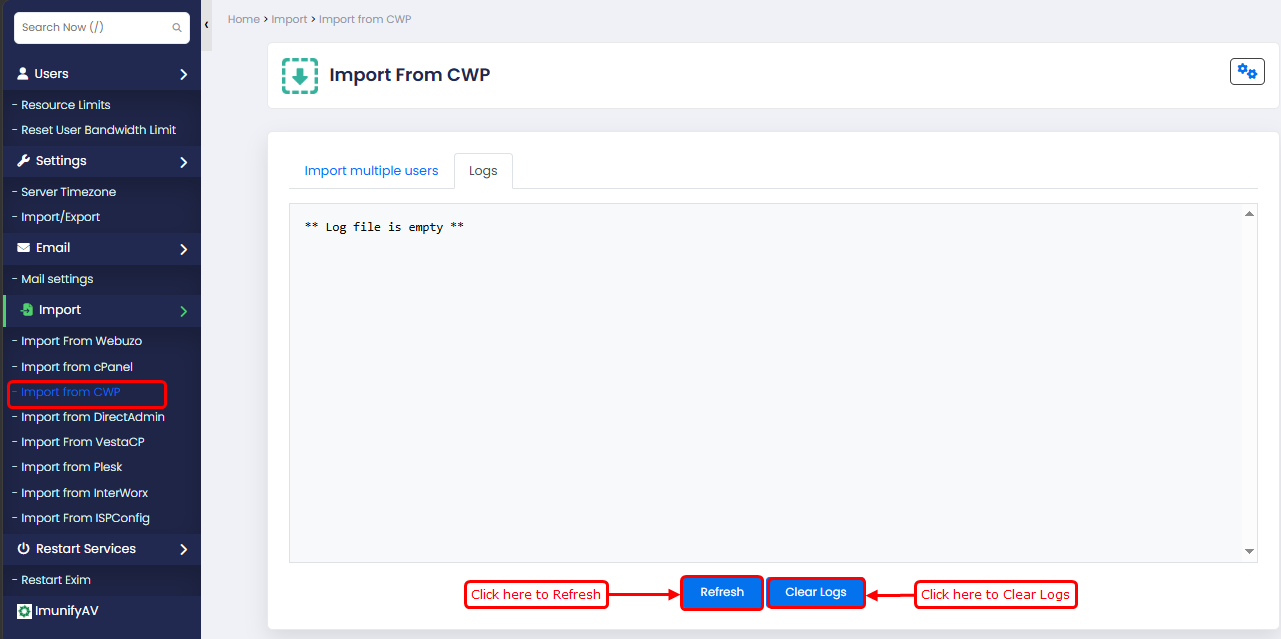
Go to Logs tab to see the logs to track the background import process. It will show you the import process and any errors that occurred during the import process.
After completion, you will get a success message in the logs.