Overview
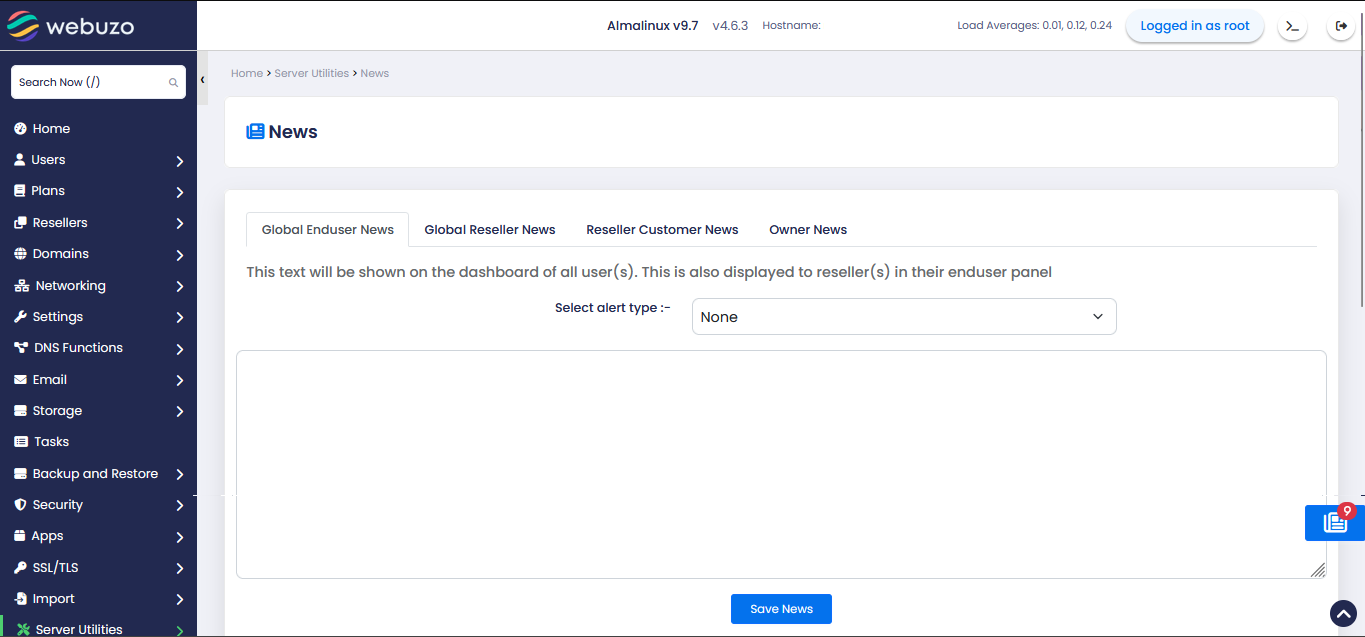
This wizard will allow you to display custom messages in your End Users, Resellers, Resellers' Customers, and Owners Panel.
Procedure
To alert or show a custom message in your Enduser's or Reseller's panel, go to Webuzo Admin Panel > Server Utilities > News wizard, select the alert type, and edit the textbox, and click on the Save News button.