Overview
This guide shows you how to install an SSL certificate for your domain.
Note: The SSL certificate cannot be installed when the user is suspended, and the domain is invalid.
Procedure
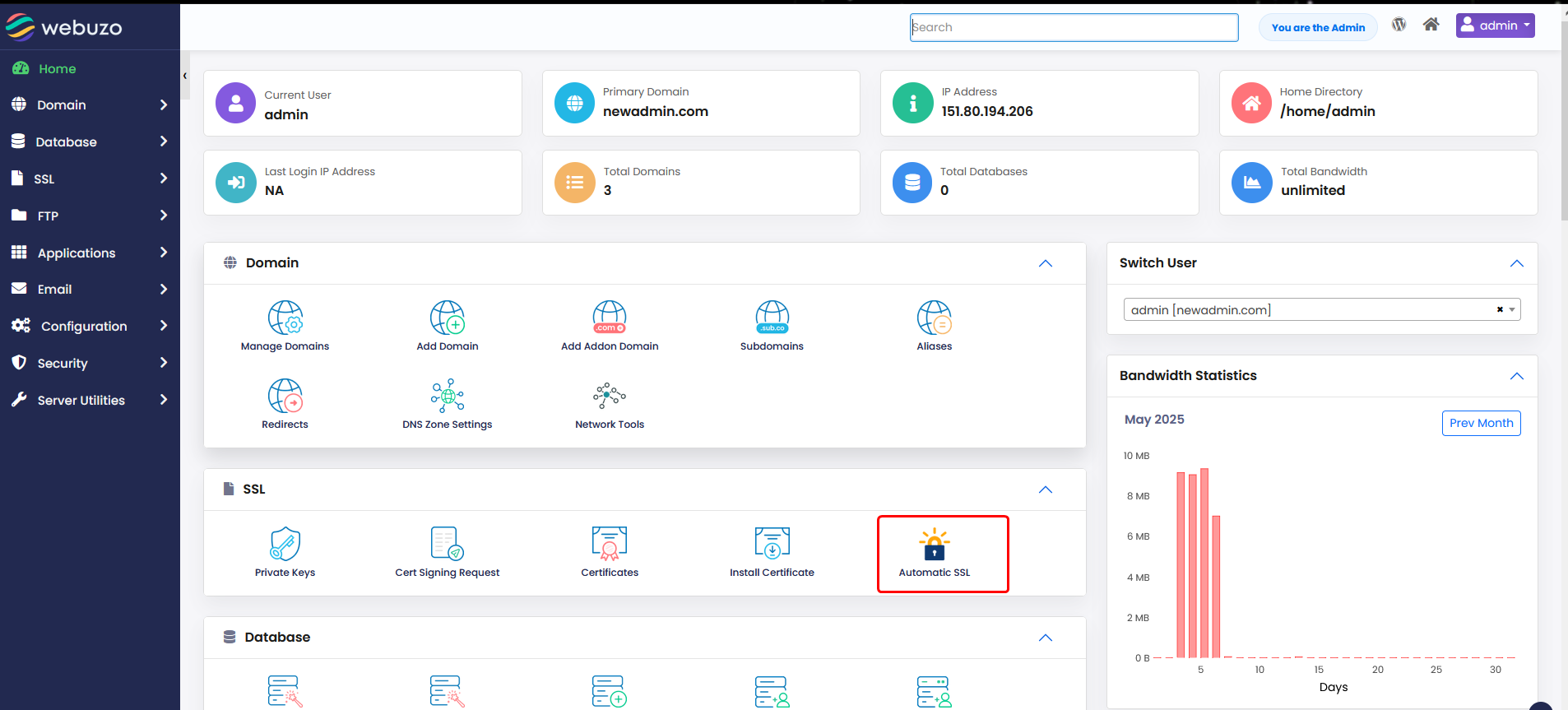
You can install an SSL certificate to secure your domain from Webuzo enduser panel > SSL > Automatic SSL
Click on the Automatic SSL icon.
You can install a certificate for your single domain :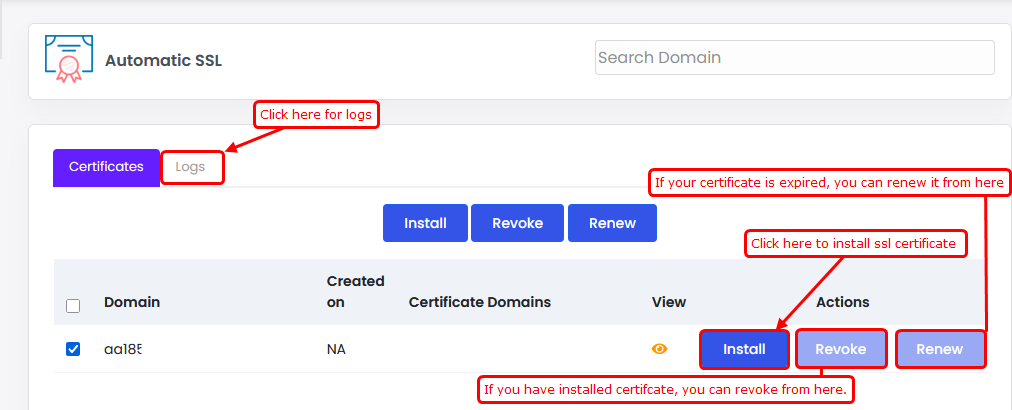
By clicking on the install button in line with your domain in the list.
LOGS: You can check SSL installation logs.
REVOKE: You can delete your domain's SSL certificate.
RENEW: If your certificate has expired, Webuzo will renew your domain certificate.
EYES ICON: You can view your SSL certificate.
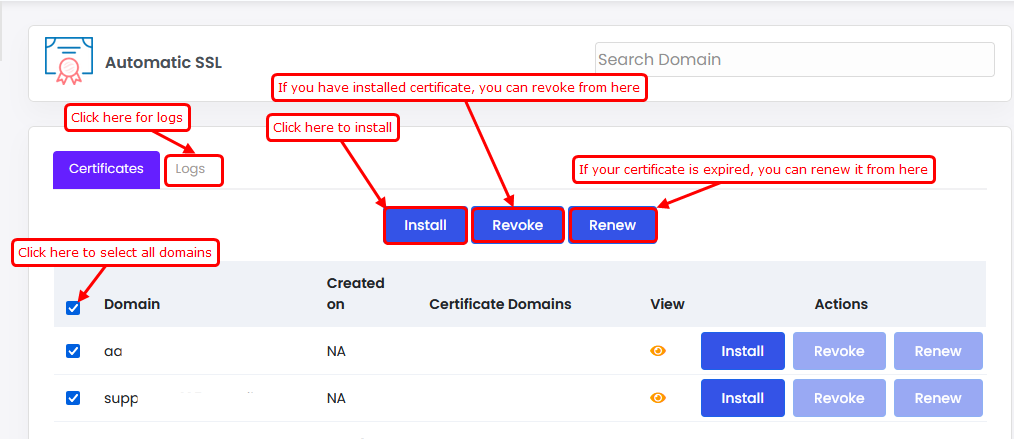
You can install a certificate for all domains
By clicking on the install button at the top of the wizard.
REVOKE: You can delete your domain's SSL certificate.
RENEW: If your certificate has expired, Webuzo will renew your domain certificate.