Overview
This guide will show you how to Add User on Admin Panel.
Procedure
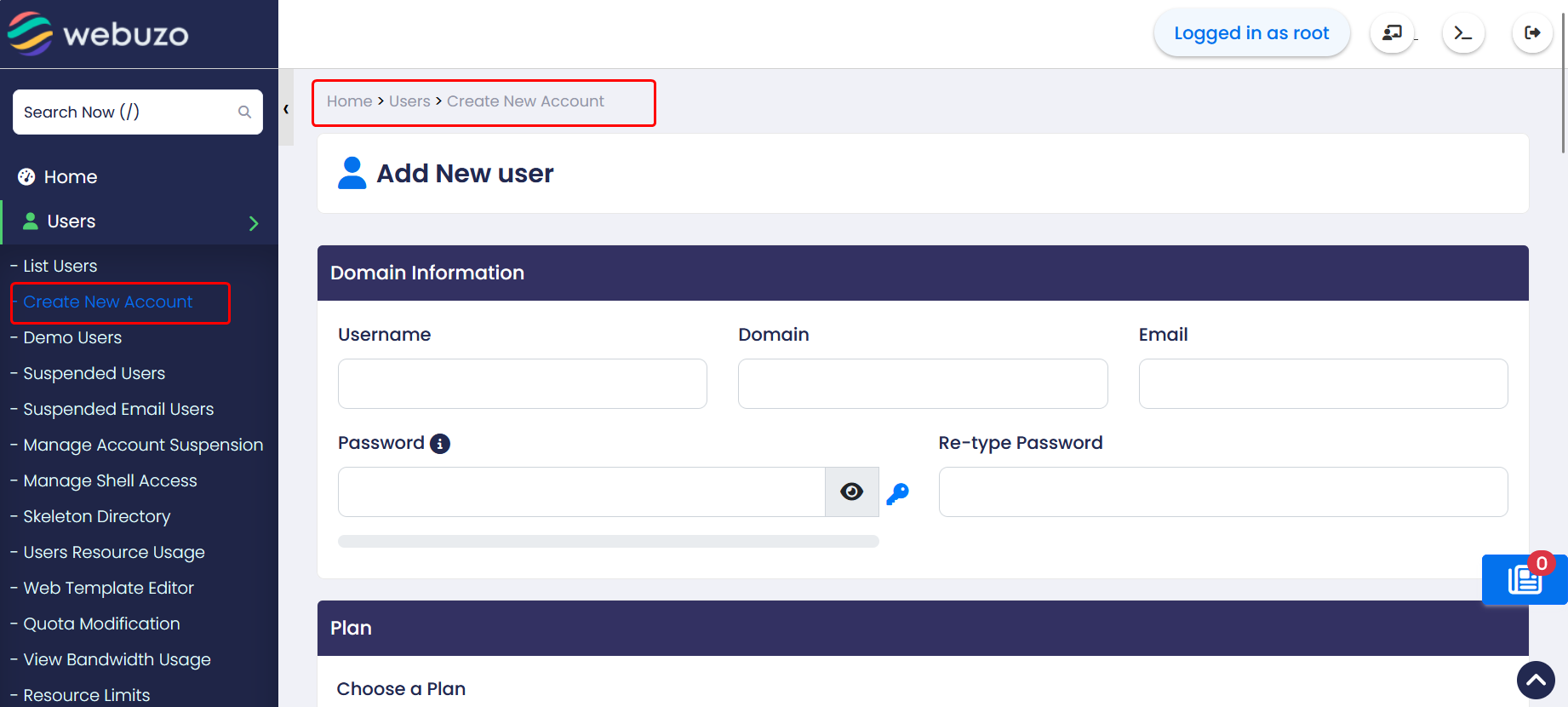
You can Add User from your Webuzo Admin Panel > Home > Users > Create New Account
Steps:
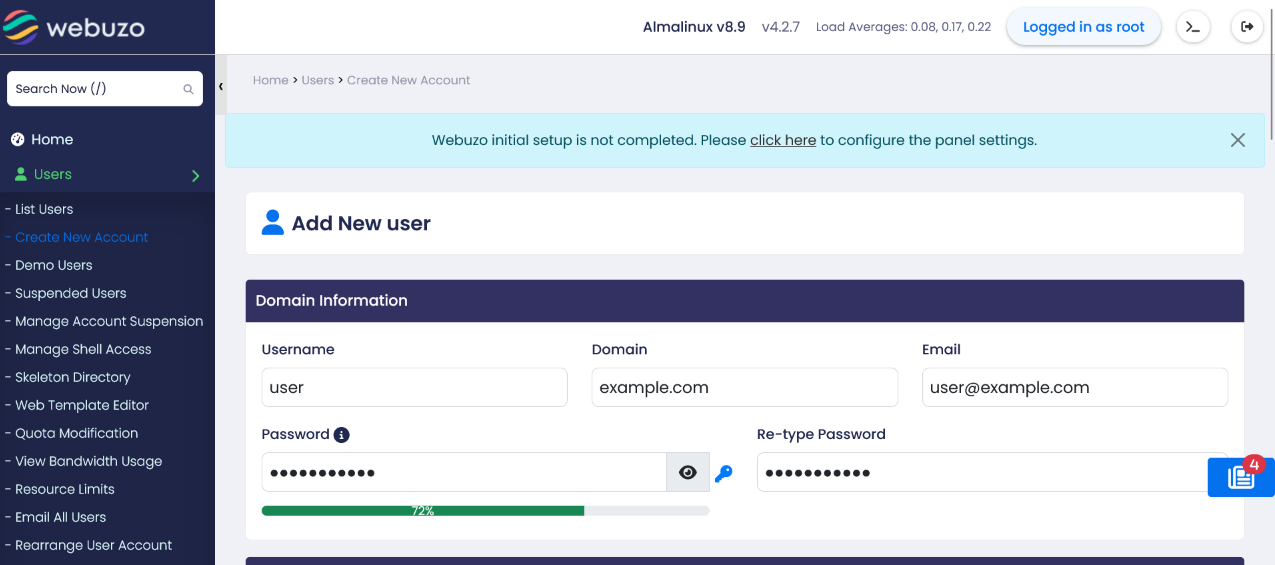

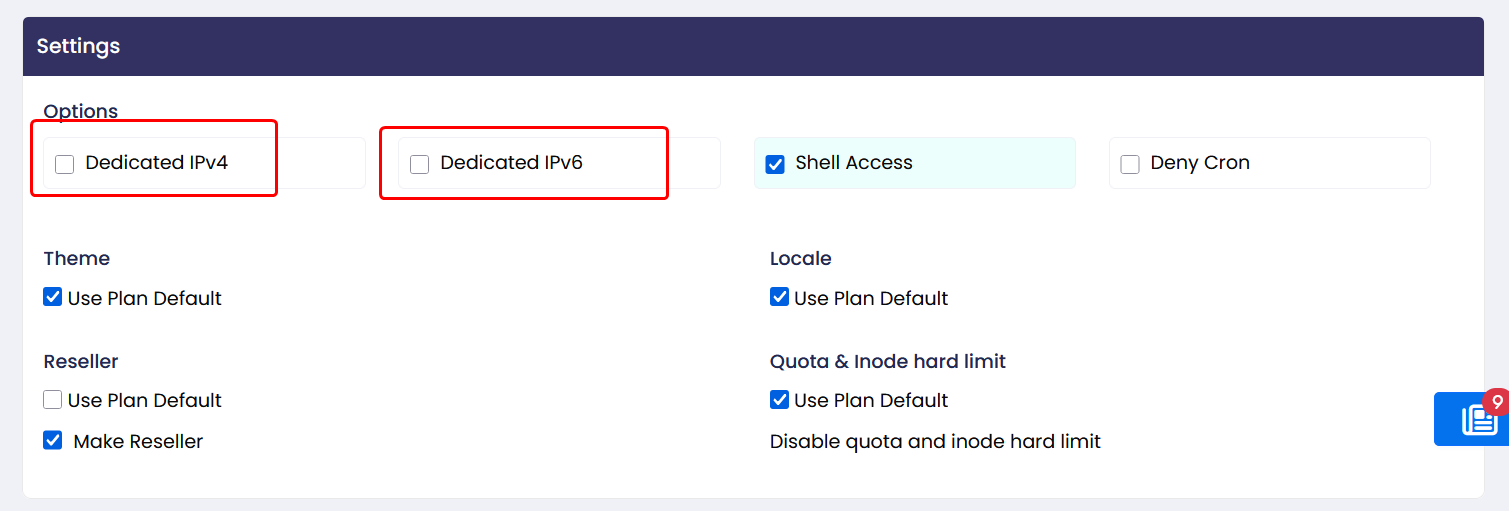
If Dedicated IPv4 or Dedicated IPv6 is selected, all available dedicated IP addresses of the chosen type will be listed under the Advanced Options section for selection.
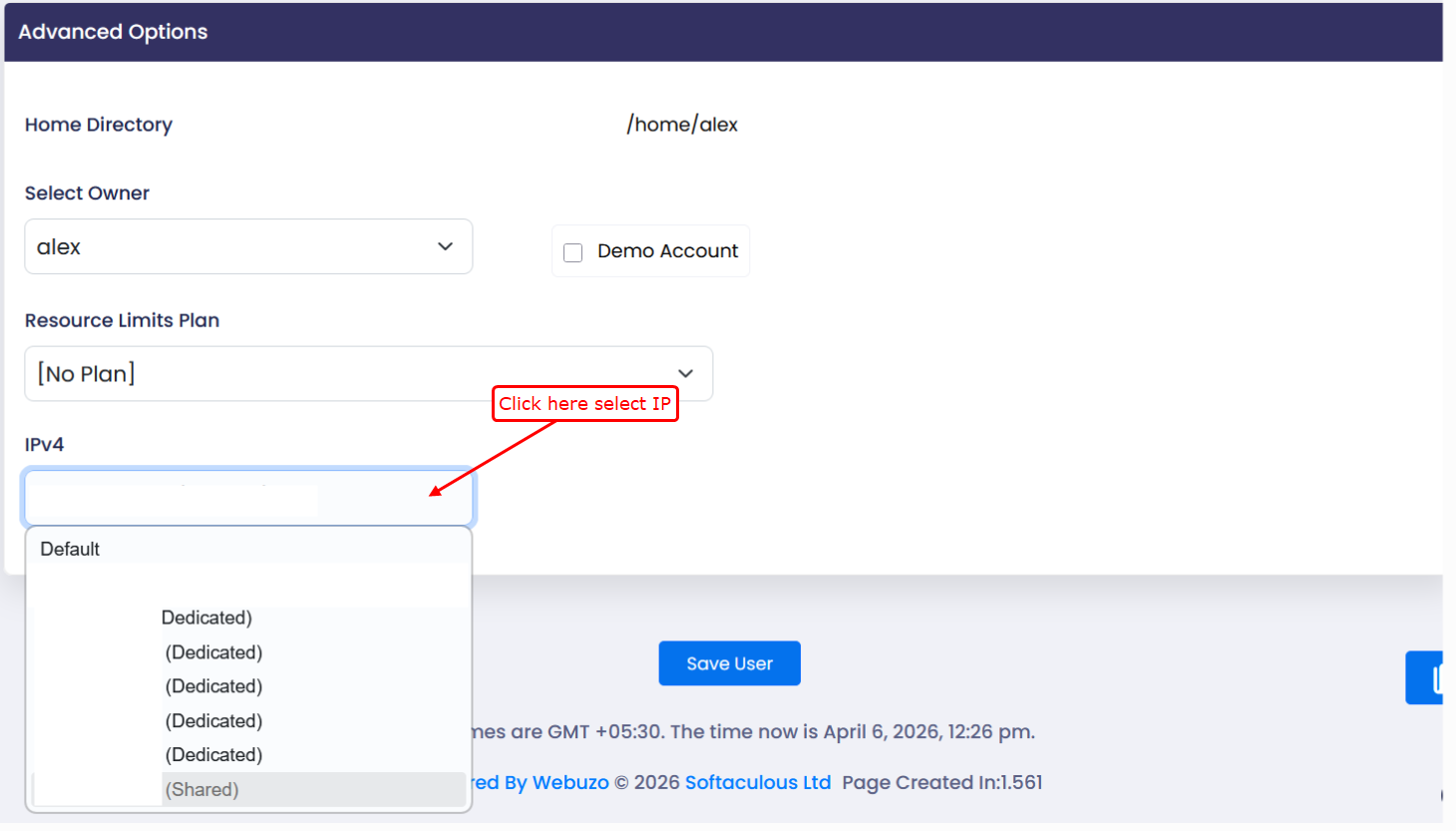
If neither option is selected, the system will automatically assign the default IP address to the user.